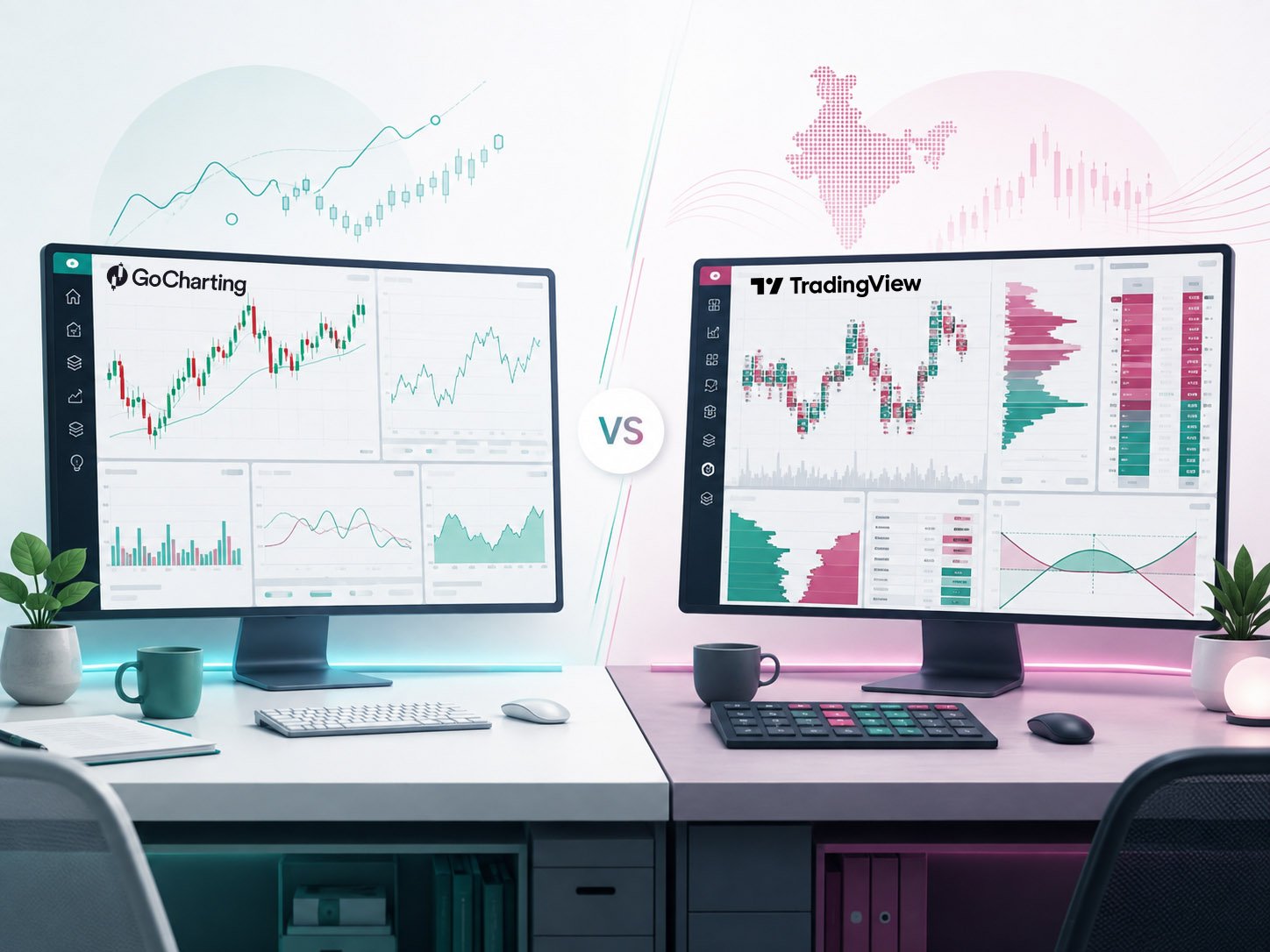
GoCharting vs TradingView: Which Charting Platform Fits Indian Traders?

Educational disclaimer: This article is for educational and informational purposes only. It is not investment advice or a recommendation to use any particular broker, platform, strategy or financial product. Platform features, market-data availability, integrations and pricing can change. Verify current information with the provider before subscribing or trading.
GoCharting vs TradingView: Quick Comparison
Quick answer: TradingView may suit traders who want broad multi-market charting, Pine Script and a large community of published tools. GoCharting may suit Indian active traders who prioritise order flow, options analysis and broker-connected execution. Check market-data access, plan limits and broker support before choosing.
TradingView is the broader global charting ecosystem. It combines multi-market charts, screeners, alerts, Pine Script, strategy testing, broker connections, financial data and a large community across web, desktop and mobile. TradingView currently says it connects users to hundreds of data feeds and millions of instruments worldwide.
GoCharting is more execution- and order-flow-focused, particularly for Indian active traders. Its India platform places NSE, BSE and MCX trading, options analytics, broker connections, DOM, footprint charts and order-flow tools close together in one workflow.
| Area | GoCharting | TradingView |
|---|---|---|
| General charting | Strong | Excellent |
| Global market coverage | Broad | Stronger overall |
| India-focused workflow | Excellent | Strong |
| NSE/BSE/MCX integration | Major focus | Supported |
| Indian broker integrations | Major strength | Available with selected brokers |
| Order-flow analysis | Major strength | Available, but less central |
| Options-focused tools | Strong India-specific tools | Strong and expanding |
| Custom scripting | Lipi | Pine Script |
| Alerts | Strong on paid tiers | Mature and flexible |
| Paper trading | Sim Trader available | Available globally, but Indian exchange symbols are restricted |
| Community and published scripts | Smaller ecosystem | Major strength |
| Desktop app | Web/mobile focused | Dedicated desktop app |
| Beginner learning curve | Moderate | Generally easier for basic charting |
| Advanced intraday workflow | Strong | Strong |
The practical question is therefore not simply “Which platform is better?” It is “Which platform better matches the way you analyse and trade?”
What Is GoCharting?
GoCharting is a multi-asset charting and trading platform with a particular emphasis on order flow, market profile, volume analysis, options and direct execution.
For Indian users, its platform supports NSE, BSE and MCX workflows and integrates charting with options tools and broker execution. GoCharting currently lists Indian broker connections including Zerodha, Dhan, Upstox, Angel One, Fyers, Groww and others.
Its more advanced toolkit includes footprint and imbalance charts, Market Profile, Volume Profile, delta analysis, DOM, Time & Sales, options analytics, second-based charts and its Lipi scripting environment. Several of these features depend on the selected subscription tier.
That makes GoCharting particularly relevant to traders who want more than conventional candlestick-and-indicator analysis.
What Is TradingView?
TradingView is a global market-analysis platform covering stocks, futures, forex, crypto, bonds, indices and other asset classes.
Its Supercharts combine technical indicators, drawing tools, screeners, alerts, strategy testing and Pine Script, TradingView’s scripting language for building custom indicators and strategies. Its current plan comparison lists more than 400 pre-built indicators and a very large community library of published indicators.
TradingView also has a substantial social and publishing ecosystem where traders can share ideas, scripts and analysis. Its charts, watchlists and settings can be used across browser, mobile and dedicated desktop applications.
For traders who analyse several countries or asset classes rather than concentrating mainly on Indian derivatives, that global ecosystem can be an important advantage.
TradingView
Global charting & market analysis
Charts • Pine Script • Alerts • Screeners
Affiliate disclosure: Some links on this page are affiliate links. If you sign up or purchase through these links, Trading Turtle may earn a commission at no additional cost to you. This does not influence our comparisons, ratings or editorial conclusions.
Charting and Technical Analysis
For standard technical analysis, both platforms are capable enough for most retail traders.
You can use candlestick charts, common indicators, drawing tools, multiple timeframes and saved layouts on either platform.
TradingView has the advantage of maturity and breadth. Its current plans support multiple chart types, extensive drawing tools, hundreds of built-in indicators, Pine Script and a large community-created indicator ecosystem. Higher plans add more charts per tab, indicators, historical data and advanced chart types.
GoCharting provides conventional charting as well, but its differentiation becomes clearer once a trader moves into volume, market profile and order-flow analysis. Its platform supports chart types such as footprint, imbalance, Renko, Kagi, range bars and other specialist formats.
Which is better for charting?
For conventional technical analysis, multi-market research and custom community indicators, TradingView has the stronger overall ecosystem.
For traders who specifically want footprint charts, order flow, DOM and India-focused derivatives analysis in the same environment, GoCharting deserves closer attention.
That distinction is more meaningful than comparing the platforms simply by counting indicators.
Indian Market Data: GoCharting vs TradingView
This is one of the most important parts of the comparison for Indian traders.
GoCharting’s current free India plan includes end-of-day NSE and BSE data, while MCX data is listed as real-time. Its Premium tier adds real-time NSE and BSE data along with tick-by-tick feeds and advanced intraday functionality.
TradingView currently lists NSE coverage across stocks, bonds, funds, futures, options and indices. Its market-data page shows free NSE data as delayed by 15 minutes, with real-time NSE data available to non-professional users without an additional exchange-data charge at the time of review. BSE data is also available, although its real-time data conditions differ.
This creates an interesting trade-off.
A trader using free accounts primarily to watch NSE intraday charts may find TradingView’s market-data arrangement more useful than GoCharting’s EOD-only NSE/BSE free data.
A trader paying for GoCharting primarily for NSE derivatives, tick data, order flow and execution tools, however, is comparing a different set of capabilities.
Market-data rules and exchange agreements change, so this is one area that should always be checked again before paying for a subscription.
Broker Integration and Live Trading
GoCharting has made Indian broker connectivity a central part of its product.
Its current India trading pages list nine or more Indian broker integrations and include names such as Zerodha, Dhan, Upstox, Angel One, Fyers, Groww, 5paisa, Finvasia and Kotak Neo. Orders can be placed from supported charts through the connected broker.
TradingView also supports direct trading through connected brokers. Users can select a supported broker from Supercharts, sign in and place or manage supported orders from the TradingView interface. Its India broker directory includes Indian-market partners such as Dhan and FYERS alongside other supported brokers.
The important distinction is that a broker having TradingView charts inside its own application is not necessarily the same as that broker being directly connectable from TradingView.com. Always verify the exact integration you intend to use.
For someone whose preferred Indian broker is already deeply integrated with GoCharting, GoCharting may provide the more convenient execution workflow. For someone whose broker is supported directly by TradingView and who already performs most analysis there, TradingView may eliminate the need to switch platforms.
Order Flow and Options Analysis
This is where GoCharting establishes its clearest identity.
Its Premium India plan currently includes footprint and imbalance charts, delta bars, tick-based Market and Volume Profile, CVD, Time & Sales, advanced DOM feeds and other order-flow tools.
GoCharting also provides an India-oriented OptionsDesk with an options chain, strategy builder, payoff analysis and options metrics. Its documentation specifically lists support for NSE options, including NIFTY, BANKNIFTY and stock options.
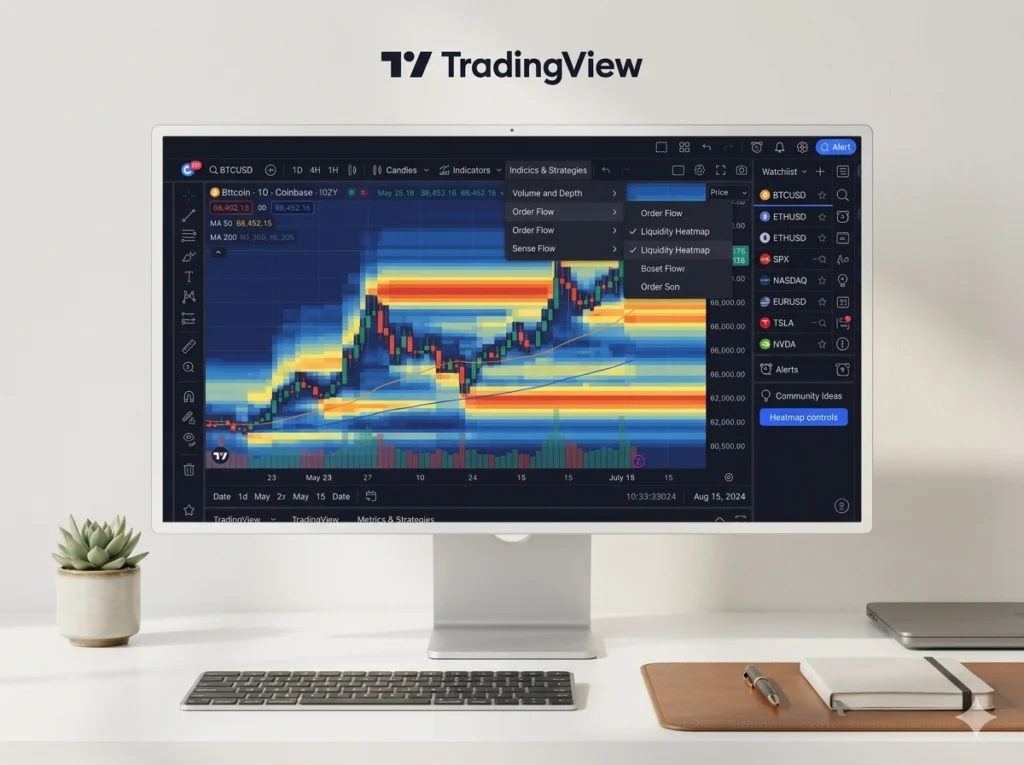
TradingView has also expanded into volume footprint, Time Price Opportunity, options tools, Depth of Market and advanced technical analytics, with availability depending partly on subscription level and broker/data support.
However, for an Indian derivatives trader whose workflow revolves around footprints, order flow, options chain behaviour, DOM and execution, GoCharting currently packages these functions more explicitly around that use case.
That does not mean order flow produces better trades. More data does not automatically create an edge. These tools are useful only when the trader understands what they measure and incorporates them into a defined risk-management process.
Paper Trading and Backtesting
Both platforms provide simulated trading, but there is a significant India-specific difference.
TradingView offers a built-in Paper Trading account with virtual capital and supports simulated trading across many markets.
However, TradingView currently prevents its Paper Trading system from trading symbols listed on Indian exchanges. TradingView states that this restriction applies specifically to Paper Trading and attributes it to NSE market-data usage rules. Live trading through supported Indian broker integrations is not affected by this restriction.
GoCharting documents its own Sim Trader and simulation functionality, including chart and DOM trading. Its current documentation also shows simulation functionality within Indian options-oriented tools such as ScalPro and OptionsDesk.
Both platforms also provide historical replay functionality. TradingView’s Bar Replay allows historical markets to be replayed at adjustable speeds, while GoCharting includes Bar Replay in its India plans.
For Indian-market practice specifically, this difference deserves consideration before choosing a platform.
Alerts, Automation and Custom Indicators
TradingView remains particularly strong in this area.
Its alert system can monitor price movements, indicators, strategies and drawings, with the number and duration of active alerts depending on the subscription plan. TradingView also supports webhook notifications, allowing an alert to send an HTTP request to an external application.
Pine Script adds another layer. Traders and developers can create indicators and strategies, test logic and combine scripts with alerts.
GoCharting has its own scripting language, Lipi, as well as custom indicator alerts, scanners and webhooks. On its current India pricing structure, Lipi scripting and custom indicator/webhook functionality are Premium features rather than part of the free plan.
For users interested primarily in building, sharing and discovering custom technical indicators, TradingView’s much larger Pine ecosystem is difficult to ignore.
For users who want scripting alongside GoCharting’s order-flow and Indian-market infrastructure, Lipi provides an alternative without leaving the platform.
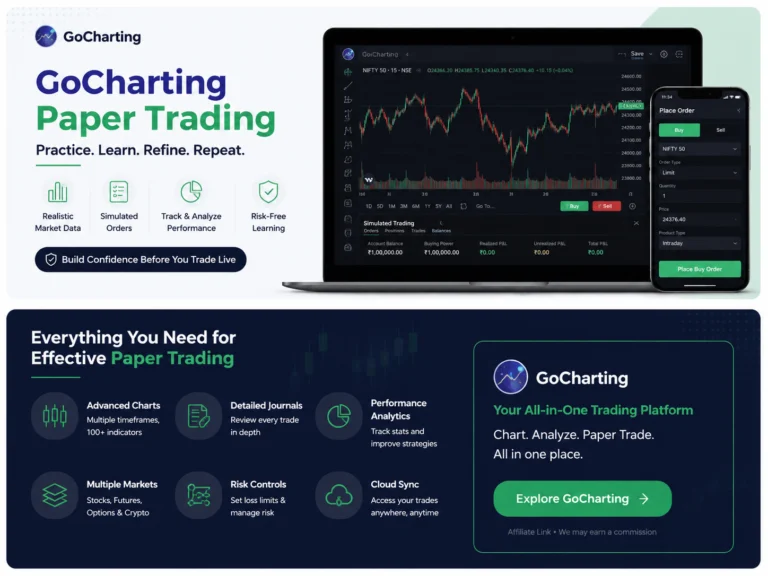
GoCharting
India-focused trading & order flow
Options • Footprint • DOM • Broker integration
Affiliate disclosure: Some links on this page are affiliate links. If you sign up or purchase through these links, Trading Turtle may earn a commission at no additional cost to you. This does not influence our comparisons, ratings or editorial conclusions.
Free Plans and Pricing
Both platforms allow users to begin without paying, but their free tiers emphasize different things.
GoCharting’s free India plan currently includes two charts per tab, up to 30 saved workspaces, five watchlists, conventional indicators, Bar Replay, basic options-chain functionality and broker integration. NSE and BSE data are EOD on this tier, and its advanced order-flow, Lipi and webhook features are reserved for higher plans.
TradingView’s Basic plan currently provides one chart per tab, two indicators per chart, one saved layout and three active price alerts. Paper Trading and core charting remain available, while paid tiers progressively increase charts, indicators, historical data, alerts and advanced features.
Therefore, comparing subscription prices alone is misleading.
A trader should first determine which feature is actually creating the need to upgrade: real-time market data, multiple charts, alerts, order flow, second-based intervals, scripting, options tools or something else.
Paying for twenty advanced features that you never use is not better value than paying for five that materially improve your workflow.
Mobile and Desktop Experience
TradingView supports browser, Android, iOS and a dedicated desktop application. Its desktop software includes features such as native multi-monitor support, making it particularly useful for traders with larger workstation setups.
GoCharting is web-native and also offers Android and iOS applications with synchronized charting and trading functionality.
For basic monitoring and chart checks, either ecosystem can work across devices.
For a dedicated multi-monitor desktop workstation, TradingView currently has the clearer native-desktop advantage.
Which Platform Should Indian Traders Choose?
There is no universal winner in GoCharting vs TradingView.
| Your main requirement | More natural starting point |
| Beginner learning technical analysis | TradingView |
| Clean general-purpose charting | TradingView |
| Global stocks, forex and crypto research | TradingView |
| Pine Script and community indicators | TradingView |
| Large alert and automation ecosystem | TradingView |
| Dedicated desktop/multi-monitor setup | TradingView |
| Indian order-flow trading | GoCharting |
| Footprint and imbalance analysis | GoCharting |
| NSE options-focused workflow | GoCharting |
| DOM-heavy intraday execution | GoCharting |
| Direct integration with brokers such as Zerodha or Upstox | GoCharting |
| Indian-market simulation workflow | GoCharting deserves consideration |
These are workflow-based observations, not recommendations to trade or subscribe.
A beginner does not need advanced order-flow software simply because it contains more information. In many cases, learning market structure, support and resistance, position sizing and Risk management on a simple chart is more useful than adding additional tools.
Likewise, an experienced intraday derivatives trader may find a conventional charting package restrictive if footprint, delta or DOM analysis forms an established part of the trading process.
Can You Use GoCharting and TradingView Together?
Yes. They do not have to be mutually exclusive.
A trader could, for example, use TradingView for broad market scanning, watchlists, alerts, Pine-based indicators and global charts, while using GoCharting when deeper Indian options, order-flow or broker-execution functionality is required.
The disadvantage is complexity. Maintaining watchlists, drawings and layouts across two platforms can create unnecessary friction.
For most beginners, mastering one primary platform first is more sensible than building an elaborate multi-platform setup.
Key Takeaways
The most important difference in GoCharting vs TradingView is not chart appearance. It is product emphasis.
TradingView is the stronger general-purpose ecosystem for global charting, technical research, Pine Script, community tools, alerts and cross-device use.
GoCharting is particularly compelling for India-focused active trading workflows, especially where order flow, footprint charts, options analytics, DOM and direct Indian broker connections matter.
TradingView’s free NSE data can be more useful for basic intraday chart watching than GoCharting’s free EOD NSE/BSE data. GoCharting’s paid India offering, however, moves much further into tick-level data and specialist execution analytics.
One particularly important difference is simulated trading: TradingView currently restricts Paper Trading on Indian exchange-listed symbols, while GoCharting documents simulation functionality within its India-oriented trading tools.
The best platform is therefore the one that fits a defined workflow without adding unnecessary complexity.
Final Verdict: GoCharting vs TradingView
Choosing between GoCharting and TradingView should start with your workflow, not the size of the feature list.
For broad technical analysis, global markets, Pine Script, alerts, community indicators and a polished multi-device ecosystem, TradingView is the more complete general-purpose platform.
For traders concentrating on Indian markets—particularly active NSE derivatives traders who genuinely use footprint charts, options analytics, order flow, DOM and direct broker execution—GoCharting offers a more specialised environment.
For many beginners, TradingView is the simpler place to start.
For experienced India-focused intraday or derivatives traders, GoCharting may solve problems that ordinary charting software does not.
Neither platform removes trading risk, and neither turns an untested strategy into a profitable one. Charting software should support a sound trading process—not replace one.
– Frequently Asked Questions (FAQs)
Not automatically. GoCharting has strong India-specific broker, options and order-flow functionality, while TradingView has a broader charting, scripting and global-market ecosystem. The better fit depends on how the trader actually uses the platform.
GoCharting is specifically designed to support Indian-market workflows and currently provides NSE charting, options functionality, broker connections and, on appropriate plans, real-time and tick-level data.
Yes. TradingView provides NSE and BSE market data. Data timing and real-time access conditions vary by exchange and account/data entitlement, so users should check TradingView’s current market-data page before relying on a feed for live trading.
Not through TradingView’s own Paper Trading account at present. TradingView states that symbols listed on Indian exchanges are restricted from its Paper Trading system because of NSE data-usage rules. This does not prevent live trading through supported Indian broker integrations.
Yes. GoCharting documents a Sim Trader and simulation mode for practising orders and strategies without using real capital. Its documentation also shows simulation functionality in its options-focused interfaces.
For a beginner who mainly needs clean charts, standard indicators, drawing tools and educational experimentation, TradingView may be easier to approach. GoCharting becomes more differentiated when a trader has a specific reason to use order flow, options analytics, DOM or its India-focused execution tools.