Ledger Hardware Wallet Guide (2026): 5 Models Compared

Choosing a Ledger hardware wallet is not simply a matter of buying the most expensive device. A person holding Bitcoin for several years has different needs from someone signing DeFi transactions every day. The screen, mobile connectivity, recovery options and the ability to understand what is being approved can matter more than the device’s appearance.
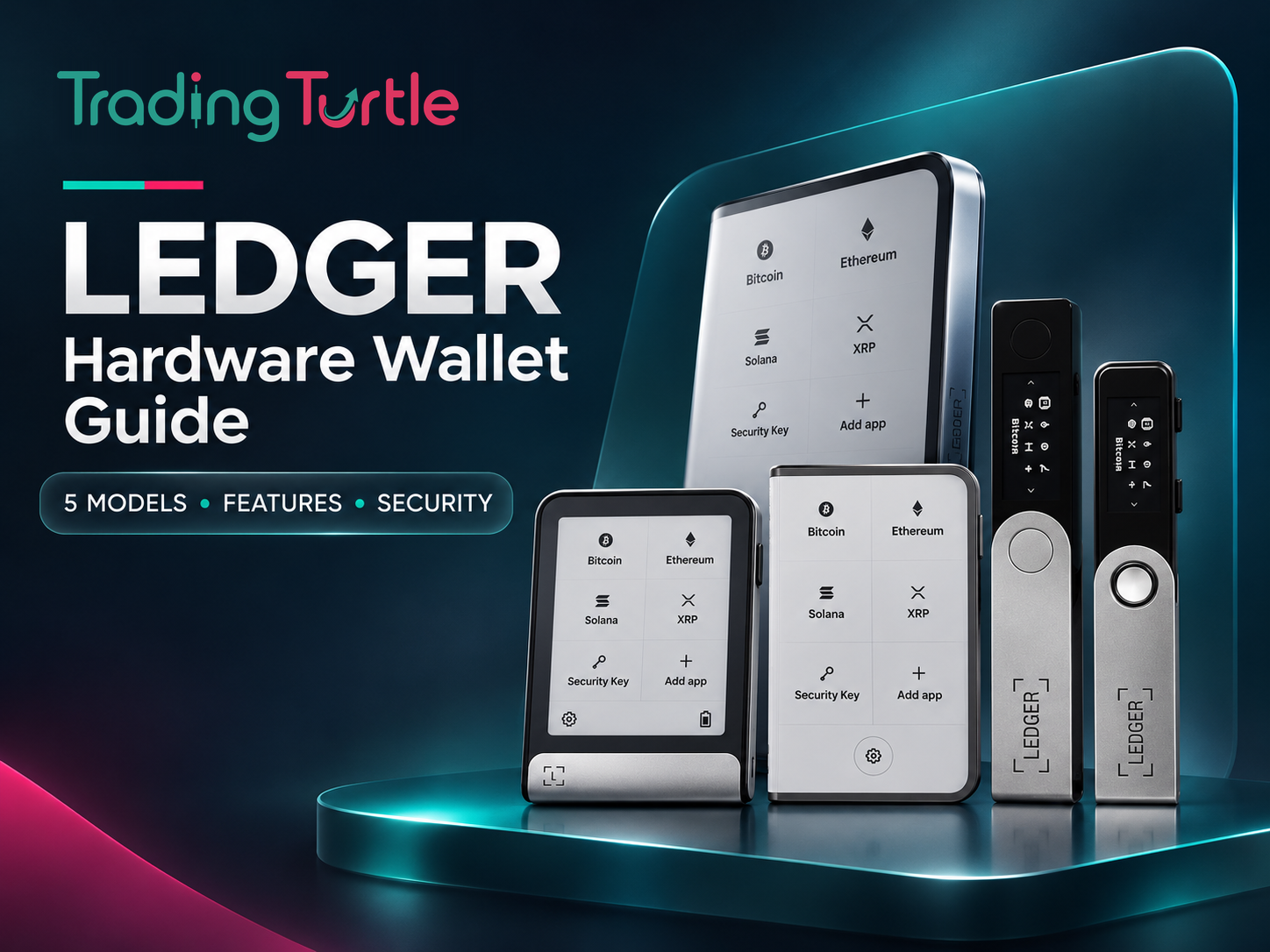
Ledger currently markets five main hardware signers: Nano S Plus, Nano X, Nano Gen5, Flex and Stax. They all aim to keep private-key operations separate from the computer or phone used to prepare transactions, but they have distinct strengths, limits and costs.
This guide explains how Ledger works, compares the five models, evaluates real security trade-offs and helps Indian buyers calculate the total cost. It also includes two unmistakably dated November 2026 Black Friday offer sections. Once the sale ends, the central buying advice remains useful.
Affiliate disclosure: This article contains two links to Ledger’s store that may earn Trading Turtle a commission if you buy. They do not increase your price. We have not physically tested all five devices; assessments below are based on published specifications, documented security incidents and practical custody requirements. This is educational content, not financial advice.
Contents
- What is Ledger, and do you need a hardware wallet?
- Ledger hardware wallet comparison
- Individual product reviews and best-fit users
- Security features and limitations
- Recovery options and backups
- Ledger Wallet app, supported assets and fees
- Important past and current security incidents
- Buying Ledger in India
- Black Friday 2026 offers and expiry dates
- Setup checklist, final recommendations and FAQs
What is Ledger, and do you need a hardware wallet?
Ledger is a Paris-based company founded in 2014. It makes consumer hardware signers, wallet software and security infrastructure for digital assets. Its products use a Secure Element—a chip intended to protect sensitive cryptographic operations—and an on-device approval process.
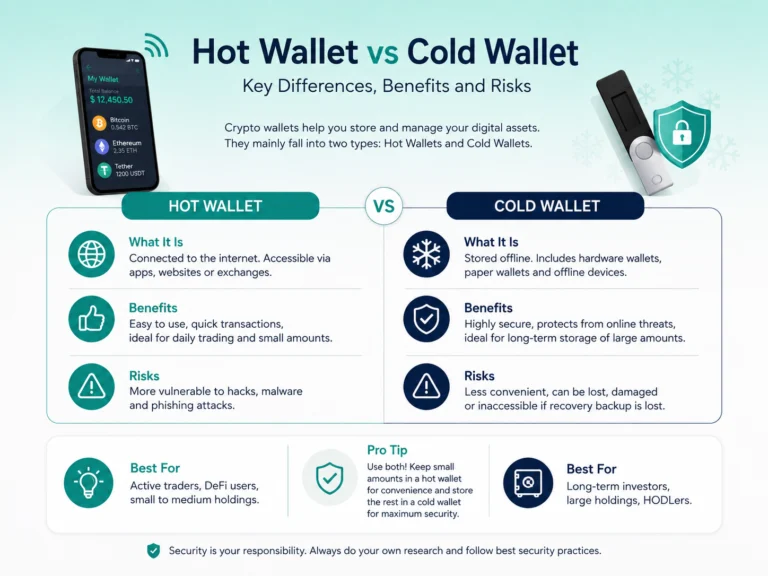
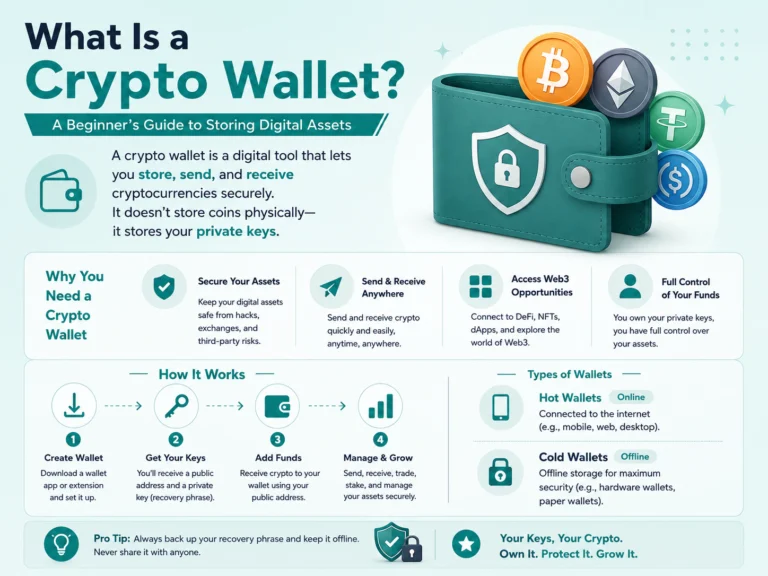
A hardware wallet does not store Bitcoin or other coins inside a piece of plastic or metal. Funds are represented on their respective blockchains; the wallet manages the cryptographic secrets used to authorize transfers. If that distinction is new, begin with Trading Turtle’s explanation of crypto wallets and private keys.
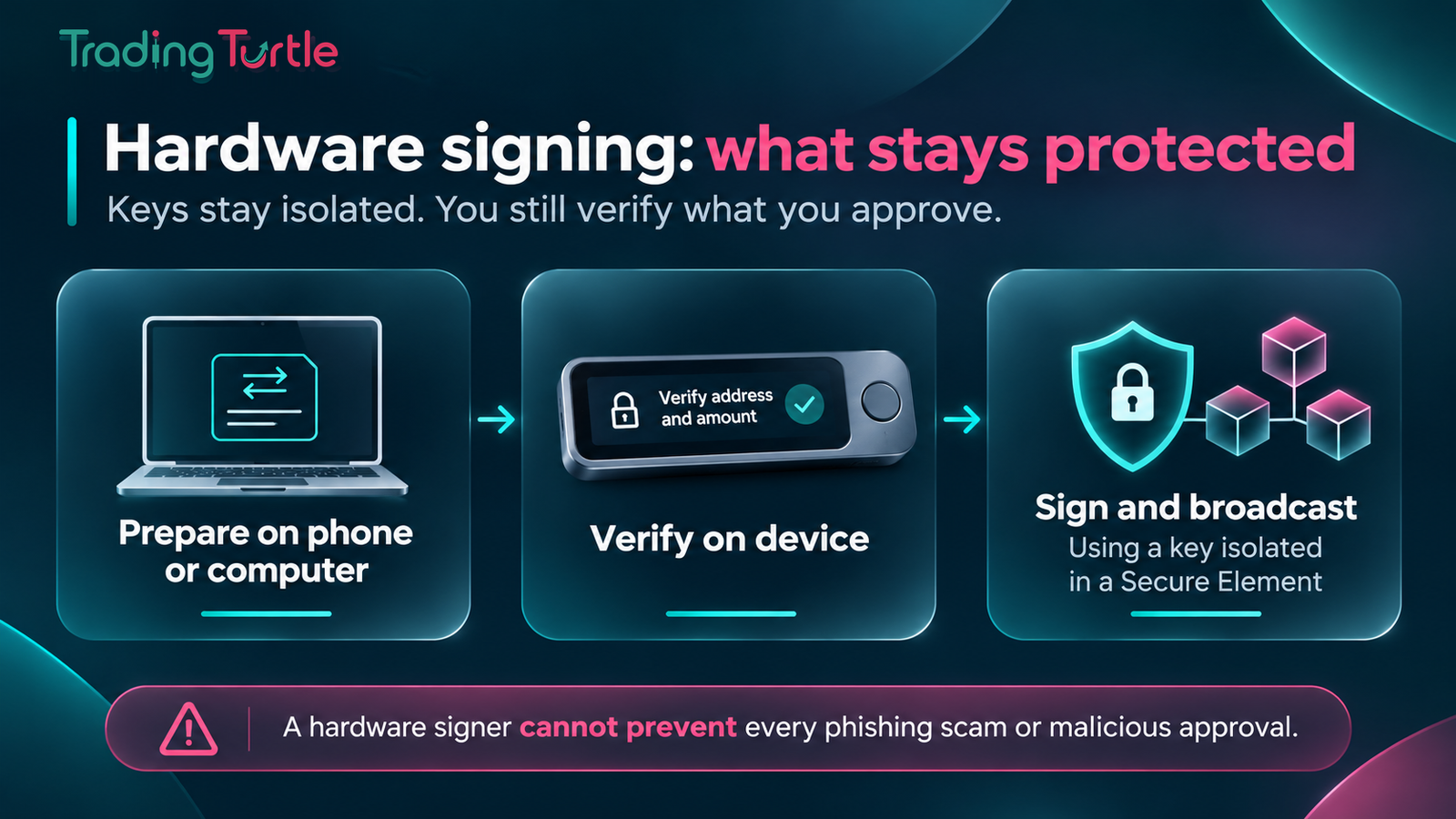
In a typical transaction, the phone or computer prepares the transfer, while the Ledger device independently displays information for approval and signs it using the protected key. That design can reduce exposure to malware seeking keys on the host computer. It cannot protect you from every scam, a compromised recovery phrase or a transaction you knowingly approve without understanding.
Who should consider one? Someone holding meaningful value in self-custody for an extended period, someone who wants to reduce dependence on an exchange, or an experienced user interacting frequently with on-chain applications. Who might not need one? A beginner experimenting with very small amounts who has not yet learned recovery procedures. Extra hardware adds responsibilities as well as protection.
For more context on where the assets actually exist, read how blockchain records and validates transactions.
Ledger hardware wallet comparison: the five current models
The following table reflects Ledger’s published specifications as checked on 22 November 2026. Compare your actual operating system, intended network and preferred wallet app before purchase. For the latest manufacturer’s information, see the official Ledger model comparison.
| Feature | Nano S Plus | Nano X | Nano Gen5 | Flex | Stax |
|---|---|---|---|---|---|
| Display | 1.1-inch OLED, buttons | 1.1-inch OLED, buttons | 2.8-inch E Ink touchscreen | 2.8-inch high-resolution E Ink touchscreen | 3.7-inch curved E Ink touchscreen |
| Display resolution | 128 × 64 | 128 × 64 | 300 × 400 | 480 × 600 | 400 × 670 |
| Connection | USB-C cable | USB-C cable, Bluetooth | USB-C, Bluetooth, NFC | USB-C, Bluetooth, NFC | USB-C, Bluetooth, NFC |
| Wireless charging | No | No | No | No | Qi |
| Secure Element evaluation | CC EAL6+ | CC EAL5+ | CC EAL6+ | CC EAL6+ | CC EAL6+ |
| Transaction Check | No | No | Yes | Yes | Yes |
| Ledger Recovery Key included | No | No | Yes | Yes | Yes |
| Direct iOS app support | No | Yes | Yes | Yes | Yes |
| Practical fit | Budget, wired use; backup signer | Compact mobile signing | Touchscreen entry point | Balanced regular use | Premium larger display |
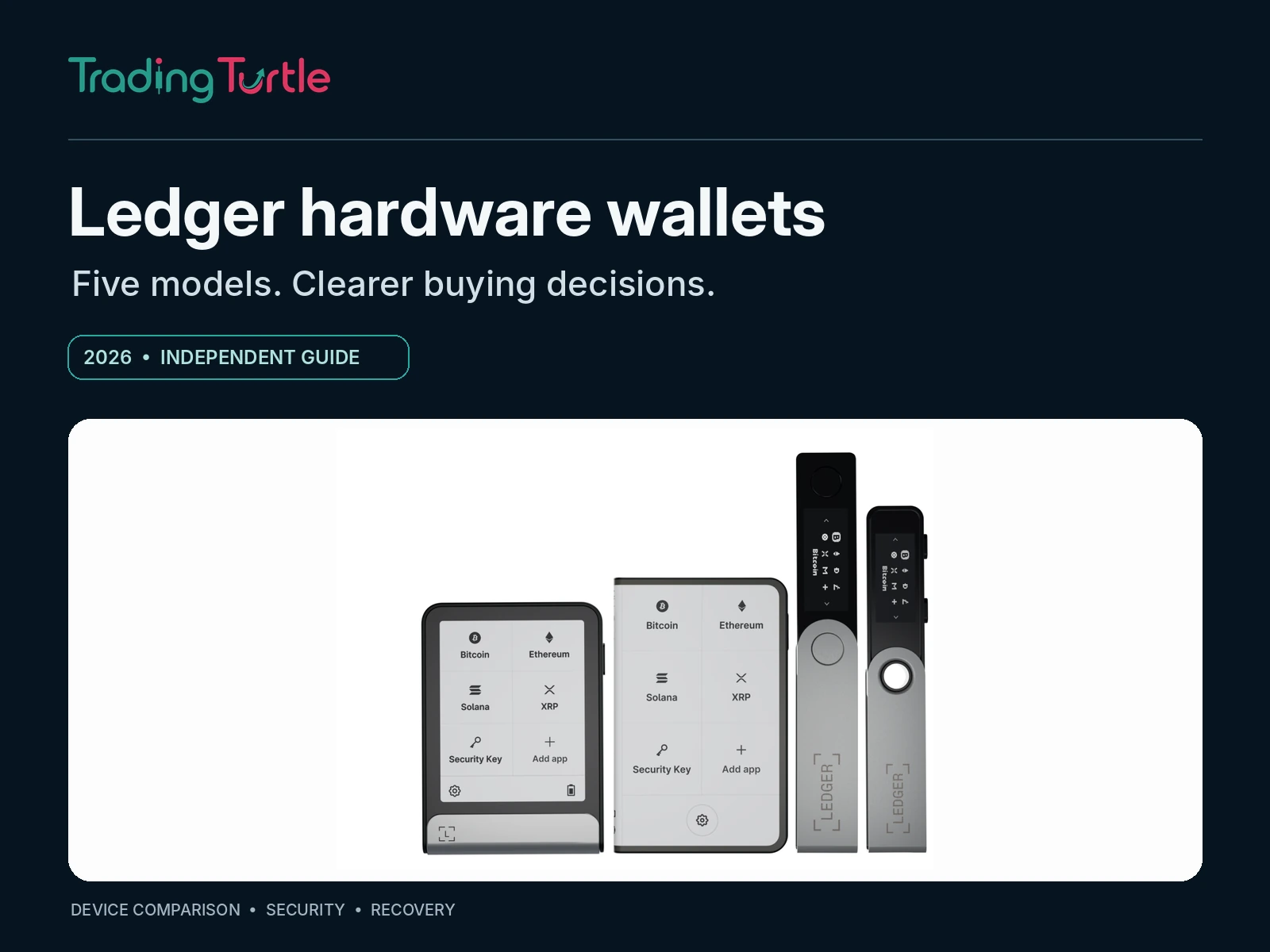
Understanding the table: EAL5+ and EAL6+ refer to evaluations of the security chips, not whole-wallet guarantees. Similarly, a touchscreen improves the ability to inspect details, but it cannot determine whether every requested transaction is honest. Ledger’s published compatibility applies to supported software versions and configurations, which can change.
Which difference matters most?
For an infrequent holder, Bluetooth and an E Ink display may be unnecessary. For someone who signs many unfamiliar smart-contract transactions, a larger device screen can improve readability. The key decision is not which model has the most specifications; it is which model helps you follow a safe, repeatable signing routine.
Each Ledger wallet explained: strengths, limits and suitable users
Ledger Nano S Plus: affordable wired self-custody
The Nano S Plus is the basic current model. Its small OLED screen and two buttons are sufficient for routine address checks, but it is less comfortable for complicated interactions. The device connects by cable and does not provide Bluetooth or direct iPhone use through Ledger Wallet.
What works well: simple operation for occasional transfers, a lower position in Ledger’s product range, and potential use as a second signer or backup device.
What to consider: limited screen area, wired workflow and no included Ledger Recovery Key. It is not the obvious choice if an iPhone is your only computing device.
Best for: a holder who transfers infrequently, uses a compatible computer or Android device, and can confidently manage their own backup.
Ledger Nano X: portable Bluetooth signer
The Nano X keeps the familiar compact Nano body and two-button control system, but adds Bluetooth and a rechargeable battery for more convenient phone use. Its screen is still 1.1 inches. It uses a Secure Element with a CC EAL5+ evaluation.
What works well: a compact mobile workflow, including compatible iOS use, without switching to a larger touchscreen device.
What to consider: the small display makes dense contract interactions harder to inspect, and the Nano X does not include Ledger’s newer Transaction Check feature or Recovery Key by default.
Best for: people who specifically value mobile connectivity and prefer physical-button navigation.
Ledger Nano Gen5: accessible modern touchscreen
The Nano Gen5 introduces a 2.8-inch monochrome E Ink touchscreen with USB-C, Bluetooth and NFC. It includes a Ledger Recovery Key and supports Transaction Check. Its 300 × 400 display is less detailed than Flex’s, but much roomier than the older Nanos.
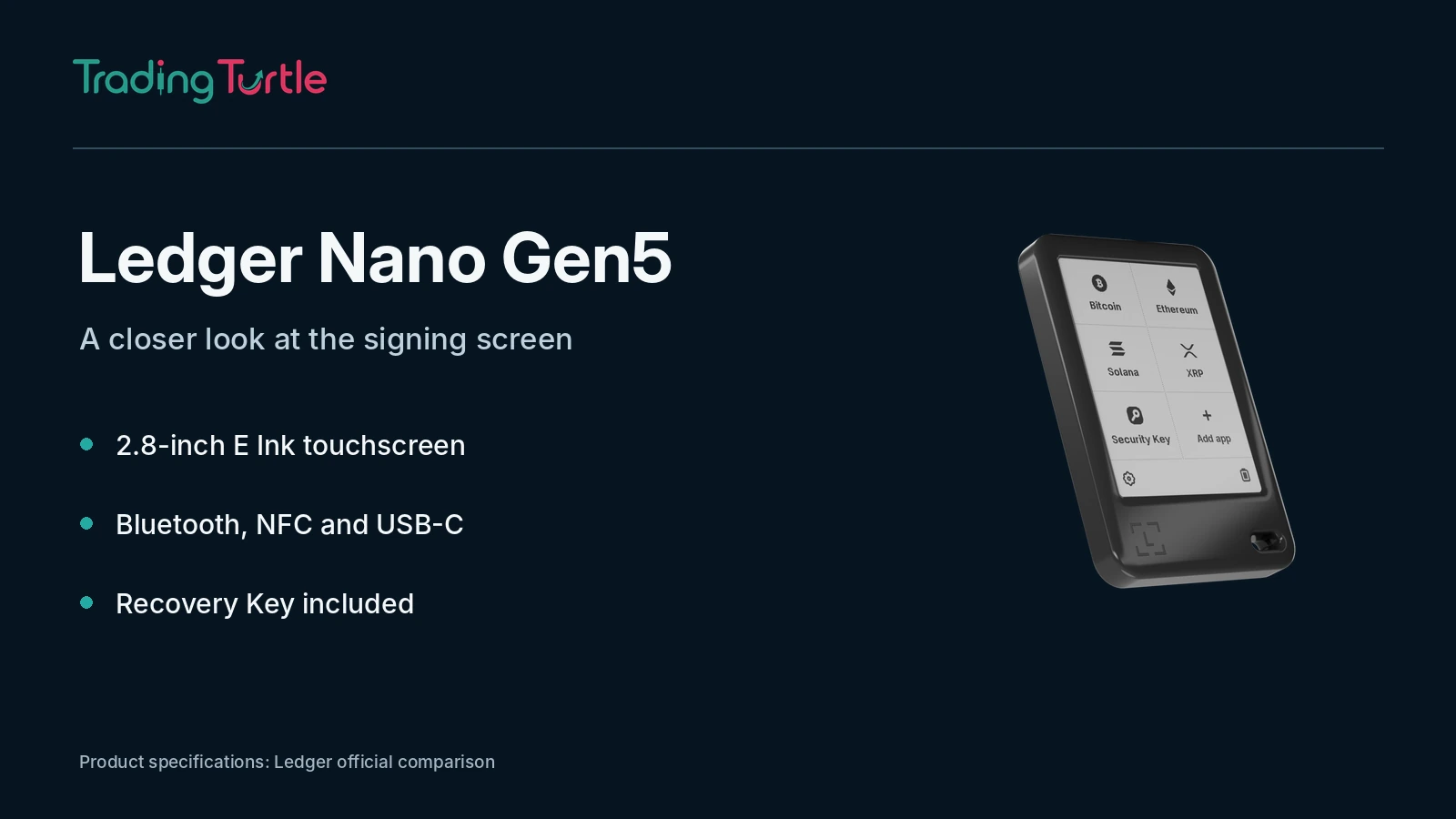
What works well: modern signing controls and clearer navigation at a lower position than the premium touchscreen products.
What to consider: the touchscreen does not make complex contracts automatically understandable. Check whether your actual dApps support readable transaction details before assuming every interaction can be verified clearly.
Best for: first-time hardware-wallet buyers who intend to use mobile or DeFi workflows regularly.
Ledger Flex: the balanced everyday option
The Ledger Flex has a 2.8-inch, 480 × 600 E Ink touchscreen, Bluetooth, NFC and USB-C. Its screen is sharper than the Nano Gen5, and the device supports Transaction Check and includes a Recovery Key.
What works well: a readable secure display without the larger body and premium cost of Stax; practical for people checking transaction details often.
What to consider: it costs more than the traditional Nano models, and it lacks Stax’s Qi charging. It is only good value if the display and workflow matter to you.
Best for: active self-custody users who want a solid compromise between features, readability and price.
Ledger Stax: premium screen and convenience
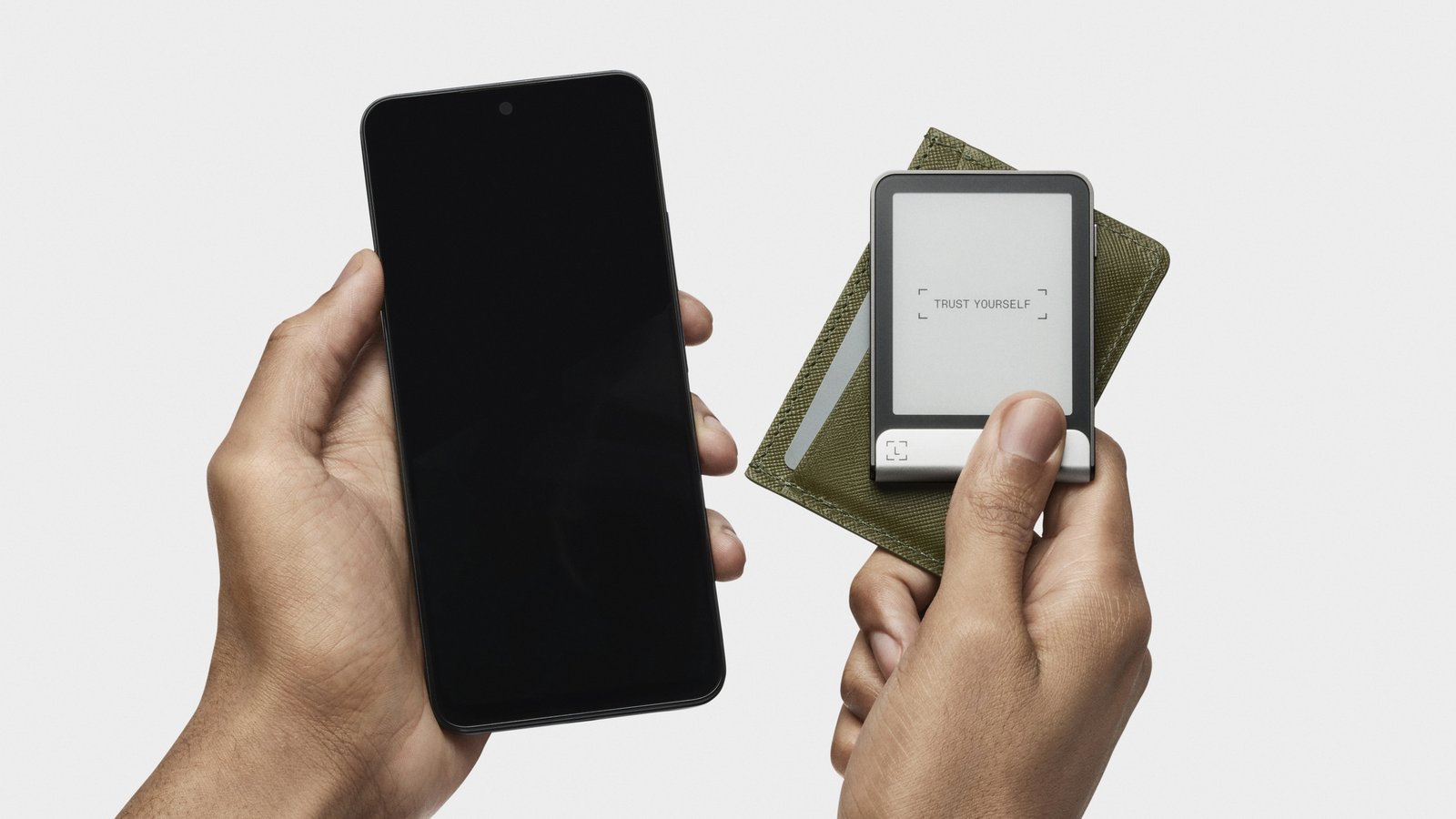
The Ledger Stax uses a 3.7-inch curved E Ink touchscreen—the biggest display of the five—along with Bluetooth, NFC, USB-C and Qi wireless charging. It includes a Recovery Key and supports Transaction Check.
What works well: large on-device information, a convenient premium form factor and wireless charging.
What to consider: high acquisition cost. Stax does not eliminate malicious approvals, backup theft or phishing simply because its screen is larger.
Best for: frequent signers who value display space and convenience enough to pay a substantial premium.
Our product recommendation by use case
| Your priority | Shortlist | Why |
|---|---|---|
| Occasional, long-term holdings | Nano S Plus | Straightforward wired option, provided your devices are compatible |
| iPhone-based mobile workflow | Nano X or Nano Gen5 | Bluetooth-capable signing |
| Frequent DeFi transactions | Nano Gen5 or Flex | More room to inspect the device’s signing information |
| Premium readability and charging | Stax | Largest screen and Qi charging |
| Backup device | Nano S Plus, where compatible | Useful spare hardware; backup design still matters more than the device |
These are editorial suitability judgments, not laboratory rankings or universal recommendations. If you rarely make transactions, do not pay extra merely because a newer model exists.
How secure is a Ledger hardware wallet?
The Secure Element reduces key exposure
Ledger is designed so signing secrets are generated and used inside the hardware signer rather than in the ordinary computing environment. This makes an important difference if a phone or laptop is infected with malware. But there are other paths to losing crypto: a stolen recovery phrase, an address substitution, a misleading dApp or an unsafe signing request.
Clear Signing makes details easier to verify—when supported
With Clear Signing, the device can present more understandable information about compatible blockchain actions. This helps users detect differences between what an app claims will happen and what is actually being signed. However, Clear Signing depends on the chain, wallet integration and transaction type.
When the device cannot show meaningful details, the user may be asked to blind-sign data. That is riskier: signing an unfamiliar request can authorize permissions or transfers that are difficult to interpret. Understand how cryptocurrency transactions work before using advanced dApps.
Transaction Check is an additional warning, not insurance
On Nano Gen5, Flex and Stax, Transaction Check is designed to flag certain risky patterns. Detection may be incomplete, and it cannot promise to identify every malicious smart contract. If you do not understand a proposed transaction or token approval, the safer decision is usually not to sign.
Why a hardware wallet cannot stop every crypto hack
A Ledger cannot undo an irreversible transfer, prevent all malicious contract approvals, recover assets after the backup is exposed, or secure an exchange account where the exchange controls the keys. Self-custody and exchange custody involve different risks; our guide to crypto hacks and practical wallet protection explains that distinction.
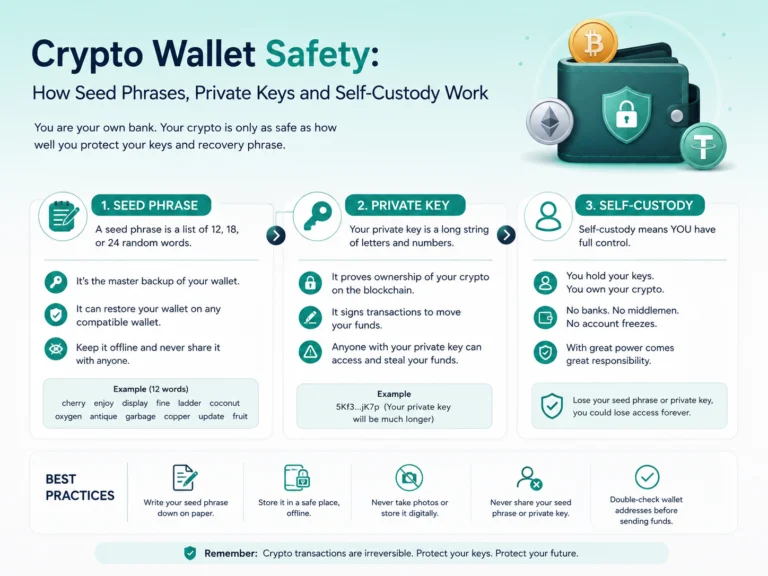
Recovery phrase, Ledger Recovery Key and Ledger Recover: what is the difference?
This section may be more important than the model you choose. When you generate a new self-custody wallet, it normally creates a 24-word Secret Recovery Phrase. Someone who obtains it can often restore the same wallet and transfer the assets without having your device or PIN.
The standard recovery phrase
Keep the phrase offline, private and protected against theft or accidental destruction. Never send it to “support,” enter it into a website, take a screenshot or save it in a cloud note. If it is exposed, changing a device PIN is not enough: the wallet’s underlying secrets need to be replaced through a correctly planned migration.
Our dedicated crypto wallet safety guide covers backup handling, private keys and what to do after suspected compromise.
Ledger Recovery Key: an optional physical card
Nano Gen5, Flex and Stax ship with Ledger Recovery Key, a PIN-protected NFC backup card intended for supported recovery workflows. It is a separate recovery method and not interchangeable with a paper copy of recovery words in all circumstances. Protect the card, its PIN and your ordinary recovery process against common points of failure.
Ledger Recover: an optional subscription
Ledger Recover is an identity-based subscription recovery service provided by Coincover using encrypted backup procedures. You do not need to subscribe to use a Ledger device. Consider its fees, identity requirements, availability and the different trust assumptions it introduces before enrolling. The official comparison of recovery approaches describes these options.
Does a second Ledger provide a backup?
It can. You may restore a second device using the same recovery phrase so that either can access the same wallet. But that also means one leaked phrase compromises both devices. Alternatively, create a genuinely separate wallet with a separate recovery phrase for isolation. Decide which problem you are solving before buying a second device.
Ledger Wallet software: supported coins, integrations and costs
Ledger Wallet (previously Ledger Live) is the companion app for viewing accounts and preparing activity such as sending, receiving, buying, swapping or staking assets. Some services involve independent third-party providers. The Ledger device signs supported transactions; the app is not a substitute for verifying approvals on the device.
Ledger advertises a wide range of supported networks and tokens, but three different questions need answers before buying:
- Can the hardware signer support the cryptographic application for your chain?
- Can the asset be managed directly inside Ledger Wallet, or does it need a compatible third-party wallet?
- Does the specific action—staking, NFTs, token approval or a dApp connection—work with your intended software and operating system?
A supported token does not imply every wallet integration is available, and a third-party wallet remains subject to its own security and compatibility risks.
Fees to budget for
Apart from purchasing the device, users may face network transaction fees, swap spreads, on-ramp or off-ramp provider charges, payment processing costs, and optional recovery subscriptions. Buying a Ledger does not eliminate blockchain fees or make crypto transfers free.
AI agents and Ledger Agent Intent
Ledger introduced Agent Intent in 2026. The idea is that an AI agent may prepare a proposed action while the user authorizes it on a compatible Ledger signer. The product was described as a beta in November 2026. Treat this as an experimental workflow, not a reason to grant an agent control over high-value assets: a manipulated agent can still propose a harmful transaction, and your approval remains decisive.
Ledger Atom: announced, not a current model in this comparison
Ledger has also announced Ledger Atom, a different, more phone-like security device with reservations and an estimated summer 2027 delivery window. Its reservation terms, final features and shipment schedule are separate from the five currently marketed signers above. Do not compare an anticipated product as though it were already shipping.
Ledger security incidents buyers should know about
Product marketing is not enough for a security purchase. Ledger has experienced distinct incidents affecting customer information, web integrations and the physical distribution channel. These must not be conflated with a cryptographic break of every Ledger Secure Element.
2020: e-commerce and marketing data exposure
Ledger disclosed a breach of its marketing and e-commerce databases. Customer contact information was exposed, creating risks of targeted phishing, unsolicited messages and social-engineering attempts. That is different from the hardware key-storage system being compromised, but the consequences for affected customers were still serious.
December 2023: Connect Kit supply-chain compromise
Attackers used a compromised software publishing path to distribute malicious versions of Ledger’s Connect Kit, a library used in some dApp interfaces. The incident illustrates how a malicious website integration can trick users into approving harmful activity even when hardware signing exists. The technical background is covered in Sonatype’s analysis of the compromised Connect Kit versions.
November 2026: investigation into physically modified devices
In an update dated 19 November 2026, Ledger reported a limited but ongoing investigation into genuine devices physically tampered with after leaving its control. Cases had been identified or were being investigated in Southeast Asia, Berlin and Dubai. Ledger said it had no confirmed case at that date involving a device purchased directly from ledger.com, and said it had found no flaw in the Secure Element or operating system related to this incident. That is Ledger’s stated finding, not a guarantee about all devices sold everywhere.
The alleged modification was designed to capture recovery information during setup. A device passing an ordinary genuineness check is not a guarantee that the entire physical device has never been altered. For the latest details and affected purchasing channels, see Ledger’s official hardware-implant investigation update.
Practical consequence: purchase from the direct store or a verified authorized source; inspect packaging and hardware; do not create or restore a valuable wallet using a suspicious device; and contact the manufacturer’s official support channel if you suspect tampering.
A separate example of why software and hardware risks must be distinguished appears in our report on the Optimizely website-script attack, which did not establish that Ledger hardware keys had been breached.
Is Ledger worth buying in India? Check the complete cost
The headline USD price is not enough to assess value for an Indian buyer. What matters is the landed cost in rupees, actual compatibility and whether you can safely maintain a recovery setup.
Before ordering, confirm:
- Delivery eligibility: Is your exact Indian address serviceable at checkout? Are there courier restrictions or location-specific limitations?
- Import duties and taxes: Does the checkout include customs charges, or can taxes and courier handling fees be collected later?
- Currency conversion: Will your bank or card charge foreign-exchange or cross-border fees?
- Available payments: A payment method visible for another country may not work for your Indian billing address.
- Device compatibility: Do your laptop/phone OS, USB ports and preferred wallet interface work with the model?
- Asset compatibility: Is your particular token on the correct chain supported in your exact workflow?
- Returns and warranty: What terms apply to an international shipment, and who bears return or inspection costs?
We cannot responsibly quote a universal INR price: exchange rates, shipping, taxes and actual checkout terms vary. Use this formula to make your own comparison:
Total landed cost = device price + shipping + non-included taxes/duties + payment/FX fees − any genuine, usable discount.
A Bitcoin voucher is not automatically equivalent to a price discount. It may arrive after a waiting period, vary in value with the market and require compliance with redemption rules.
For the broader decision between holding assets on an exchange and managing them yourself, see our India-focused analysis of crypto exchange withdrawal risk.
Ledger Black Friday 2026: the offers and when they expire
PROMOTIONAL OFFER — DATED 20–30 NOVEMBER 2026
Status warning: This block describes the 2026 Black Friday campaign, not a permanent discount. The affiliate email supplied to Trading Turtle states that the overall campaign runs from 20 November 2026 until midnight on 30 November 2026 (time zone not specified). Ledger’s public announcement separately said the BTC-reward promotion runs until 29 November 2026. Treat 29 November as the safer BTC-reward cutoff; verify timing, eligible colors, location and availability at checkout. From 1 December 2026 onward, consider every deal below expired unless Ledger announces an extension.
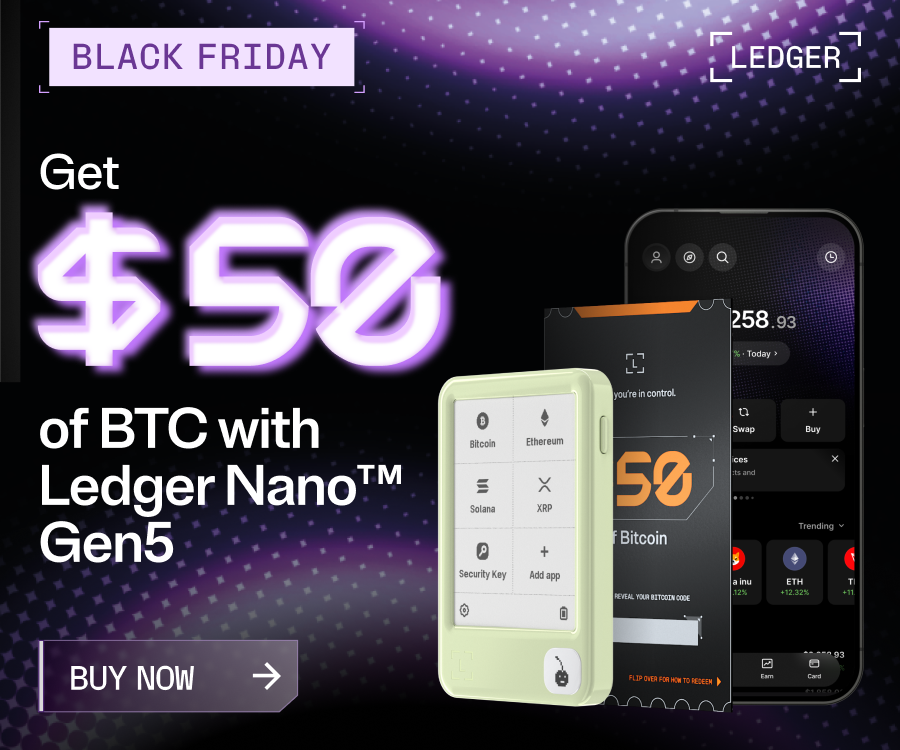
Ledger Stax (Black): $80 in BTC voucher · Flex (eligible colors): $70 in BTC voucher · Nano Gen5 (eligible colors): $50 in BTC voucher · Nano X: 20% off · Nano S Plus: 10% off.
Check Ledger’s Black Friday 2026 deals and final terms (affiliate link; dated promotion).
What the BTC offer actually means
For eligible touchscreen purchases, the BTC incentive is described as a voucher included with the product, not a deduction from the amount you pay at checkout. The code is redeemed through Ledger Wallet, and the reward is generally available after an approximately two-week waiting period. Redemption restrictions and eligibility may apply. Before making a decision, compare the final device cost with a realistic assessment of whether you can use the reward.
Which deal is genuinely useful?
If you need a simple backup or infrequent wired wallet, a discounted Nano S Plus may be more sensible than an expensive model with a BTC reward. If you frequently review complex transactions, the Gen5 or Flex touchscreen may justify a higher cost. Stax’s premium display is valuable only if you will use it. Never buy an unsuitable custody device to obtain a promotional bonus.
SECOND PROMOTIONAL MODULE — 2026 SALE EXPIRES 30 NOVEMBER
Already decided which model fits your needs? Compare your final delivered price, OS compatibility, recovery responsibilities and warranty before purchase. The Black Friday 2026 discounts were advertised for 20–30 November, while public BTC-reward messaging named 29 November; neither should be assumed valid from 1 December 2026.
Visit the official Ledger store to review current models and prices (affiliate link; this is a general store link, not a promise that an expired offer remains available).
First-time Ledger setup: a practical security checklist
- Buy through a verified channel. Beware of anonymous resellers, unusually cheap deals and unsolicited “support” messages.
- Inspect the device before use. If it appears modified or you have a credible tampering concern, do not create or restore a wallet on it.
- Install official software. Avoid search-ad impersonators and downloads shared by strangers.
- Generate your own wallet and recovery phrase. Never accept a preprinted phrase in the box.
- Write the backup offline. Do not photograph, email or upload the words.
- Set a strong device PIN and store recovery material separately from the signer.
- Run the official genuineness check while understanding it cannot rule out every physical modification.
- Test the workflow with a small transfer on the correct chain.
- Inspect the full address and amount on the device before approving a real transfer.
- Revisit approvals and backups periodically. A safe signing device does not make an unsafe smart-contract approval safe.
Final assessment: which Ledger hardware wallet should you buy?
Ledger offers a broad set of hardware-signing options, but their practical advantages depend on your usage. Nano S Plus is the most straightforward choice for compatible wired use. Nano X prioritizes compact Bluetooth mobility. Nano Gen5 brings a more accessible touchscreen workflow. Flex is a strong balance for people who regularly review transactions. Stax is a premium convenience purchase with the largest secure display.
No version eliminates phishing, recovery-phrase theft, malicious approvals, marketplace tampering or incorrect transfers. The most important security upgrade is a setup you actually understand, can verify and can recover safely. Choose the wallet for your use case—not for a temporary discount or the largest feature list.
Frequently asked questions
Does a Ledger hardware wallet store my crypto?
No. The asset records remain on their blockchains. Ledger protects the private-key operations used to authorize transactions involving those assets.
Is Nano Gen5 better than Nano X?
Nano Gen5 adds a larger touchscreen, NFC, an included Recovery Key and Transaction Check. Nano X may still suit people who prefer a compact, button-operated Bluetooth device.
Is Nano S Plus suitable for an iPhone-only user?
Not for direct Ledger Wallet iOS operation. It is a wired model; consider a supported Bluetooth device and verify the latest app requirements.
What if my Ledger device is lost or damaged?
You can usually restore access with the correct recovery phrase or another compatible recovery method. Losing the device does not remove assets from the blockchain, although losing or exposing all recovery methods can put access at risk.
Is Ledger Recover mandatory?
No. Ledger Recover is an optional paid subscription. Traditional offline recovery backups remain available.
Can the Genuine Check detect a physically modified device?
Not every modification. An authentic chip can be present in tampered hardware. Buy from trusted channels and investigate anything suspicious before setup.
Are Black Friday BTC rewards instant discounts?
No. They are voucher-based benefits with redemption conditions and waiting periods. They do not lower the amount charged at checkout.
When did Ledger Black Friday 2026 end?
Ledger’s public announcement specified November 29, 2026 for BTC rewards, while the affiliate communication identified November 30 for the overall campaign. From December 1, 2026, treat these offers as expired unless officially extended.
Do I need to buy a second Ledger as backup?
Not necessarily. A securely protected recovery phrase is the primary backup for many users. A second device can reduce downtime but needs secure storage and a clear recovery plan.
Editorial note: Information checked on 22 November 2026 against Ledger’s model specifications, security advisories and service descriptions, together with independent security reporting. Prices, shipping availability, reward terms and product integrations change. Trading Turtle did not perform hands-on testing of all devices or independent laboratory verification of Ledger’s security claims.