GoCharting Paper Trading: Step-by-Step Guide for Beginners

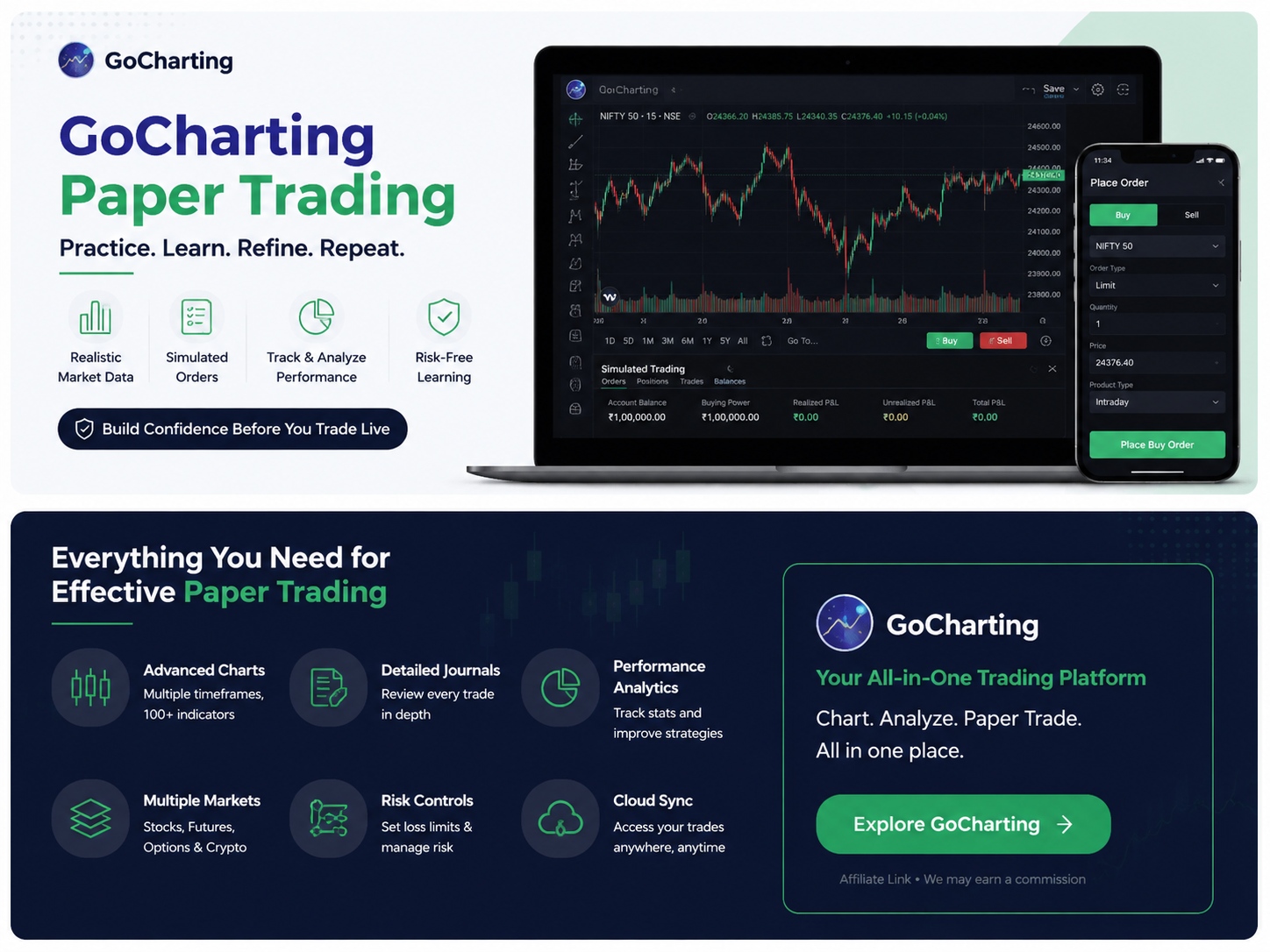
Paper trading lets you practise order placement and strategy execution without putting real money at risk. GoCharting paper trading uses the platform’s Sim Trader to create a simulated account, place and manage orders, track positions, and review results. It can help you learn the interface, test execution rules and build a repeatable routine before moving to live markets.
What Is GoCharting Paper Trading?
GoCharting paper trading is a simulated-trading environment. Instead of sending an order to a live broker account, the simulator records a virtual trade so you can practise entries, exits and position management without risking real capital.
If simulation itself is new to you, first understand what paper trading means. This guide focuses specifically on using GoCharting as a practice and execution tool.
According to the GoCharting Sim Trader documentation, the platform offers two simulation methods:
- Sim Trader (Browser): a local simulation that stores trading data on your computer.
- Sim Trader (Server): a server-side simulator that saves positions and assigns a demo account.
You can create simulated accounts with an account name, currency, commission model, initial balance and risk settings such as allowed trading days and daily profit/loss limits.
Used properly, GoCharting paper trading can therefore be more useful than simply marking hypothetical entries on a chart because it lets you practise the complete order-management process.
Educational only: Paper trading does not guarantee future live-trading results. Simulated fills, emotions, liquidity and execution can differ from real trading. Derivatives and leveraged products can involve substantial risk.
Is GoCharting Paper Trading Free?
This needs a careful answer.
GoCharting’s general trading-features page currently says paper trading and DOM are available on the free plan. However, its India pricing page currently lists Simulated (Paper) Trading under Premium rather than Free or Lite.
Because those two official pages conflict as of August 21, 2026, it would be misleading to promise free GoCharting paper trading to every Indian user.
Check the current regional pricing and your account entitlement before signing up specifically for simulation.
That distinction matters for anyone searching for a free paper trading platform: availability of the simulator, real-time data and more advanced trading tools may vary by country and plan.
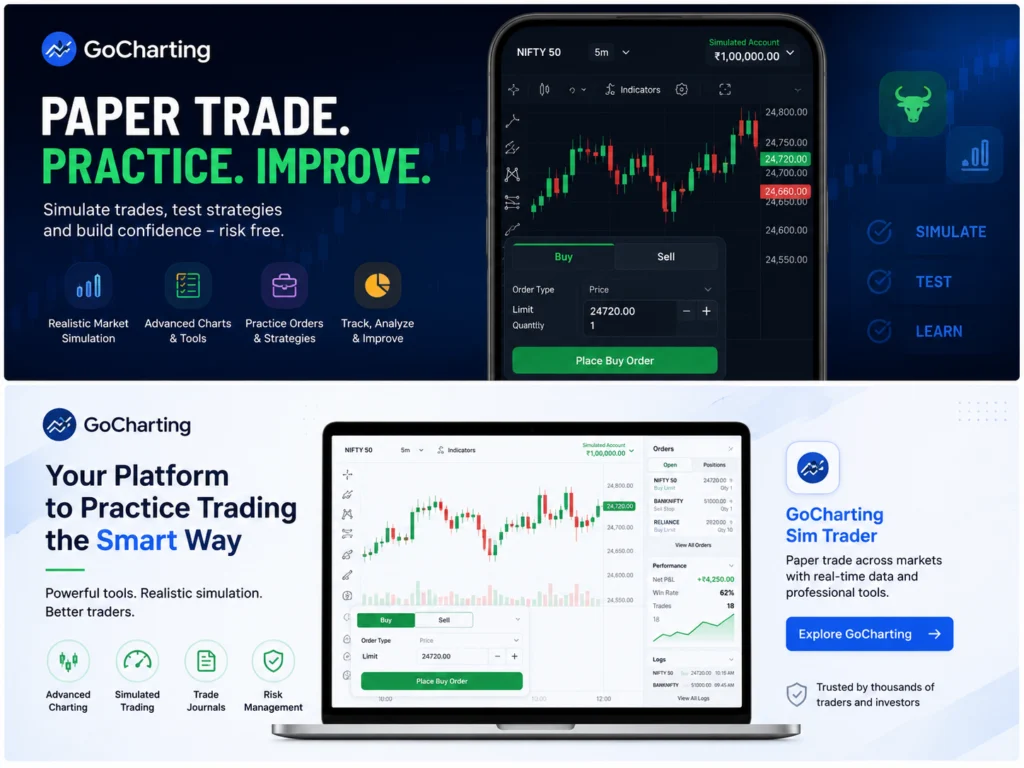
GoCharting
Practice trades and learn the platform without risking real money
Sim Trader • Virtual Funds • Advanced Charts • Trade Review
Affiliate disclosure: Some links on this page are affiliate links. If you sign up through them, Trading Turtle may earn a commission at no additional cost to you. This does not influence our editorial conclusions.
How to Start GoCharting Paper Trading
The interface may change over time, but GoCharting’s current documentation supports the following workflow.
1. Open Sim Trader
Sign in to GoCharting and open its trading tools. Choose either the browser-based or server-based Sim Trader.
If you frequently move between devices, check which simulation method stores the information you need across sessions.
2. Create a Realistic Simulated Account
Do not automatically give yourself an enormous virtual balance.
GoCharting lets you configure:
- Account name
- Currency
- Broker commission
- Initial balance
- Selected risk-management settings
For GoCharting paper trading to teach useful habits, make the account resemble the capital and product type you could realistically manage.
For example, practising with a ₹10 lakh virtual account is less useful if your eventual live account would be ₹50,000.
Apply the same risk-management principles you intend to practise later. Virtual money should not become an excuse for oversized positions.
3. Choose One Instrument
For your first practice set, use one liquid instrument or a closely related market instead of constantly switching between stocks, options, futures and crypto.
This makes it easier to judge whether your results came from your process or simply from changing markets.
Before placing a simulated trade, check the bid-ask spread rather than looking only at the last traded price.
A chart may appear to offer a clean entry while the prices you could actually buy and sell at are farther apart.
4. Plan the Order Before Clicking Buy or Sell
GoCharting documents market, limit, stop and other order workflows.
If order execution is still unfamiliar, understand how market orders and limit orders behave before practising.
Before every simulated order, write down four things:
- Entry condition
- Stop or invalidation level
- Exit rule or target
- Maximum planned loss
Then place the trade only if those conditions remain valid.
The objective of GoCharting paper trading is not to learn how quickly you can click Buy or Sell. It is to practise making the correct decision before the order is placed.
5. Place and Manage the Simulated Order
GoCharting allows orders to be placed from its trading panel and directly from charts. Its documentation also describes modifying, cancelling and closing orders from the chart.
Once a simulated position is open, manage it according to the rule you created before entry.
For example, do not move a simulated stop simply because you want a losing paper trade to become profitable.
This is one of the useful parts of GoCharting paper trading: you can repeatedly rehearse execution behaviour without paying financially for an operational mistake.
6. Review Orders, Trades and Positions
GoCharting’s account area includes:
- My Orders
- My Trades
- My Positions
- My Balance
- Holdings
- Trade Settings
Its Journals & Ledgers documentation also describes reviewing executed trades with information such as timestamps, prices and P&L.
Use those records together with your own notes about:
- Why you entered
- Whether you followed the setup
- Whether your order behaved as expected
- What you would change next time
That turns GoCharting paper trading from a virtual-money game into a structured learning process.
Can You Paper Trade Options on GoCharting?
Yes. GoCharting documents simulation for options-related workflows.
Its options settings allow paper entries and exits to be based on either:
- LTP — Last Traded Price
- Bid/Ask prices
GoCharting’s ScalPro documentation also describes paper mode for options and futures workflows.
The bid/ask setting is particularly important for options because some contracts can have wide spreads.
Suppose an option last traded at ₹100, but the current quotes are:
Bid: ₹96
Ask: ₹104
A simulated purchase at ₹100 would produce a much more favourable assumption than buying near the current ₹104 ask.
If you use GoCharting paper trading for options, consider:
- Bid-ask spread
- Liquidity
- Strike selection
- Expiry
- Order size
- Volatility
Simulation removes real-capital exposure. It does not remove the complexity of options.
How to Make GoCharting Paper Trading More Realistic
A paper trading platform is only useful if your assumptions are reasonably realistic.
Include Trading Costs
GoCharting allows commission assumptions in a simulated account.
Use them.
Live trading may also include broker charges, taxes and statutory costs that a simple simulated P&L does not fully reproduce.
The objective is not necessarily to recreate every rupee of cost perfectly. It is to prevent trading costs from disappearing completely from your practice results.
Account for the Bid-Ask Spread
Suppose:
Bid: ₹100
Ask: ₹100.40
If you buy at the ask and immediately sell at the bid, that is not a zero-cost round trip.
The ₹0.40 bid-ask spread matters particularly for short-term trading where intended profits may already be small.
Allow for Slippage
A market order does not guarantee the price shown on the chart.
GoCharting says its simulation mode includes fill and slippage modelling, but no simulator can reproduce every live-market condition perfectly.
Treat unusually favourable paper fills cautiously.
Keep Position Size Realistic
Paper accounts make it easy to take positions that you would never accept with real money.
Use the same position-sizing method throughout your test.
Otherwise, one oversized winner can distort the result and teach the wrong lesson.
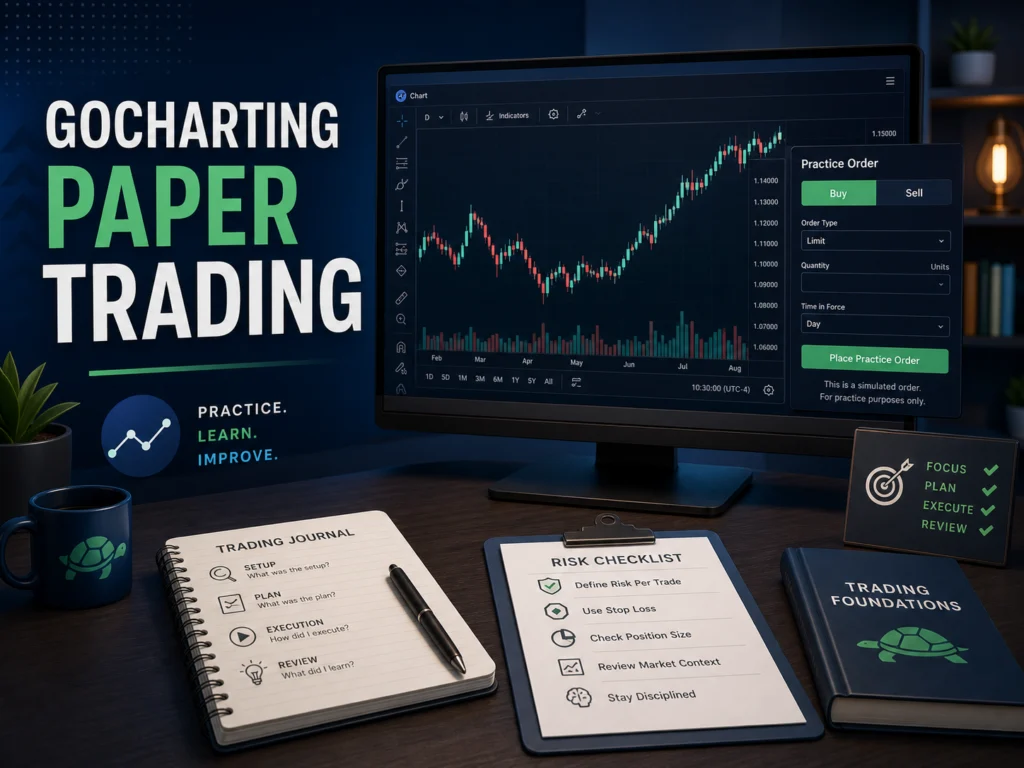
GoCharting Paper Trading
Advanced charting and trading tools in one workspace
Advanced Charts • Order Flow & DOM • Risk Tools • Trading Journal
Affiliate disclosure: Some links on this page are affiliate links. If you sign up through them, Trading Turtle may earn a commission at no additional cost to you. This does not influence our editorial conclusions.
A Practical 20-Trade GoCharting Paper Trading Exercise
Use this exercise to learn the platform and measure your discipline.
Twenty trades are not enough to prove that a strategy has a durable edge. They are simply a manageable first sample for finding repeated process mistakes.
Before trade 1, choose:
- One instrument
- One setup
- One timeframe
- One entry rule
- One stop rule
- One exit rule
- One fixed risk rule
- One commission and slippage assumption
Record the following for every trade:
| Item | What to Record |
|---|---|
| Setup | Why the trade qualified |
| Entry | Planned price and simulated fill |
| Stop | Initial invalidation level |
| Exit | Target or exit rule |
| Position size | Quantity and planned risk |
| Spread | Bid/ask spread near entry |
| Result | P&L or R-multiple |
| Rule-following | Yes or No |
| Screenshot | Entry and exit charts |
| Lesson | One sentence |
After 20 trades, do not ask only:
“Did I make money?”
Instead ask:
- How many trades followed every rule?
- Were losses larger than planned?
- Did wide spreads materially change the result?
- Did I repeatedly enter too early?
- Did I change the strategy after two or three losses?
- Which mistake appeared most often?
GoCharting’s own guidance recommends 50–100 full simulated trade cycles when evaluating a new strategy before committing real capital.
So this 20-trade GoCharting paper trading exercise should be treated as process training—not proof that a strategy is profitable.
For a broader practice framework, apply consistent paper trading practices rather than judging performance from a short winning streak.
What Paper Trading Cannot Simulate Perfectly
Even a capable paper trading website has limitations.
Real-Money Psychology
A virtual loss does not feel the same as losing real money.
Fear, hesitation, revenge trading, overconfidence and the urge to protect a real profit can affect live decisions differently.
Real Execution Uncertainty
Live orders may face:
- Queue priority
- Partial fills
- Rapidly changing spreads
- Price gaps
- Limited market depth
A simulator can model some of these effects, but not every real execution condition.
Your Effect on Liquidity
A small simulated position may appear easy to execute.
A much larger live order can consume several price levels in the order book or struggle to fill in a thin market.
Operational Problems
Live trading also introduces broker connectivity, exchange status, margin rules, rejected orders and other operational issues.
These differences are why paper trading and live trading should be treated as different stages of learning rather than equivalent environments.
Is GoCharting Good for Paper Trading Beginners?
GoCharting paper trading may suit beginners who want chart analysis and simulated execution inside the same browser-based workspace.
GoCharting describes its platform as web-native, so users looking for a paper trading platform on a laptop do not need a Windows-only desktop installation.
Its current India pricing page states that the platform can run through modern browsers on systems including Mac, Linux and Chromebook.
GoCharting also contains more advanced tools, including:
- DOM
- Order flow
- Options analytics
- Advanced charting
- Broker integrations
A beginner does not need to learn everything at once.
Start with:
One normal chart → one instrument → basic order types → one consistent trading setup.
If your goal is to compare several free paper trading websites rather than learn GoCharting specifically, use the separate paper trading software comparison. That article is better suited to platform-selection questions. For a direct charting comparison, read our GoCharting vs TradingView guide.
A Better Way to Use Paper Trading
The strongest use of GoCharting paper trading is not trying to build the largest possible virtual balance.
Use it to repeat one decision-making process:
Plan the setup → define risk → place the correct order → manage by rule → record the result → review the mistake
That routine gives you more useful evidence than simply trying to maximise virtual profits.
Key Takeaways
- GoCharting paper trading uses the platform’s Sim Trader, with browser-based and server-based simulation options.
- You can set an initial balance, commission assumptions and some risk controls.
- Orders, trades, positions and balances can be reviewed from the account section.
- Realistic spread, slippage, costs and position sizing make paper results more useful.
- GoCharting’s current official pages conflict on whether paper trading is included in the India free plan, so verify your regional plan before relying on free access.
– Frequently Asked Questions (FAQs)
GoCharting’s official pages currently conflict. Its general trading page says paper trading is available on the free plan, while its India pricing table lists Simulated (Paper) Trading under Premium. Verify the current regional pricing before assuming access is free.
Yes. GoCharting documents browser-based and server-based Sim Trader accounts with settings including currency, initial balance, commission and selected risk controls.
Yes. GoCharting documents paper-trading settings and simulated options workflows, although access to advanced tools and real-time data can depend on your regional plan.
GoCharting is web-native and runs through a browser, so a Windows-only desktop download is not required.
There is no universal number. Twenty trades can help expose repeated process mistakes but cannot prove that a strategy is profitable. GoCharting recommends 50–100 full simulated trade cycles when evaluating a new strategy.
No. Market prices may be similar, but simulated trading cannot perfectly reproduce real-money psychology, order-book changes, partial fills, live slippage and every operational issue. Paper trading vs live trading explains these differences in more detail.
Final Thoughts
GoCharting paper trading is most useful when you treat it as an execution laboratory rather than a virtual-money game.
Configure realistic capital and trading costs, use consistent order and risk rules, record every trade, and review your decision process rather than only the final P&L.
The simulator can help you learn order placement, position management and trading discipline, but it cannot reproduce every part of live trading.
Use GoCharting paper trading to practise deliberately, then judge your progress using consistency, risk control and a larger body of evidence—not a short winning streak.
Fact checked: 21 August 2026. Platform features, pricing and data access can change. Verify current GoCharting documentation before relying on a specific plan or feature.
Written by: Trading Turtle Editorial Team